Smart Plugs for Scheduling Fans and Air Con: Are They Worth It?
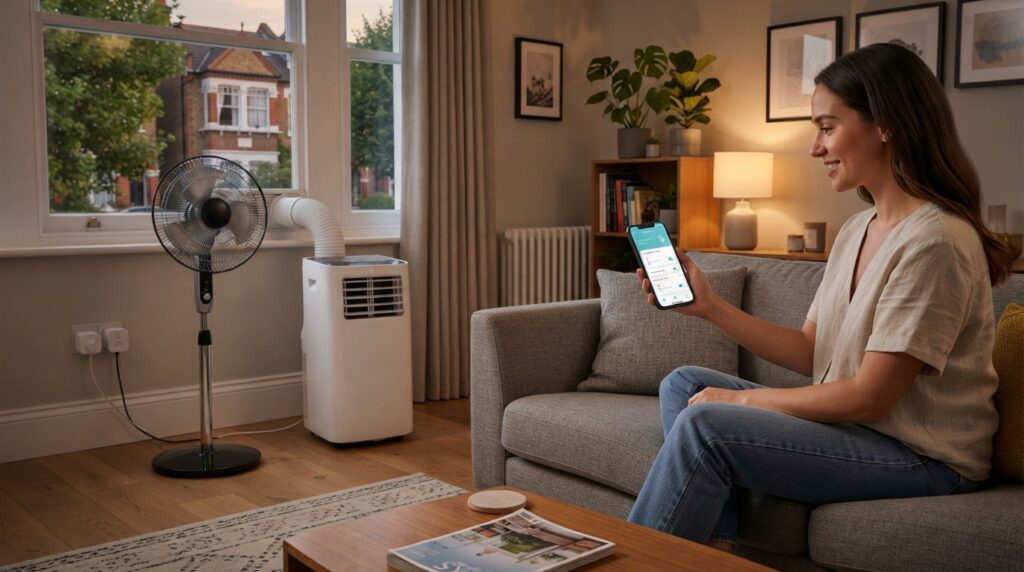
For a fan, a smart plug is a genuinely useful, cheap upgrade — schedule it to pre-cool the bedroom before you go up, have it switch off automatically overnight, or turn it on with your voice. Fans draw little power, so there’s no safety concern. For a portable air conditioner, be much more careful: an AC is a high-draw appliance, and many smart plugs are not rated for the current its compressor pulls — running one through an under-rated plug for hours is a real fire risk. On top of that, many portable air conditioners don’t resume cooling after their power is cut — they restart to standby and need a button press — so a smart plug often can’t actually “start” one on a schedule. Worth it for fans; for AC, only with the right heavy-duty plug and a unit that resumes.
Smart plugs are cheap and handy, but fans and air conditioners are very different loads, and lumping them together is how people get into trouble. Here’s the honest split.
Smart plugs and fans: an easy yes
A fan is a low-power device, so it’s an ideal thing to put on a smart plug. The genuinely useful things you can do:
- Pre-cool on a schedule — have a window or pedestal fan start flushing the bedroom with cooler air before bedtime, so the room’s already comfortable. Our box-fan window guide covers the night-flush this automates.
- Auto-off overnight — set it to run for a couple of hours and switch itself off, so it’s not running till morning.
- Voice and remote control — turn the fan on from bed or before you get home, via an app or a voice assistant.
- See what it costs — a smart plug with energy monitoring shows the actual running cost, which for a fan is reassuringly small.
For fans, the answer is simply yes — cheap, safe and useful. Our fan types guide covers choosing the fan itself.
Smart plugs and air conditioners: read this first
The catch nobody mentions: AC units may not resume
Even with a correctly-rated plug, there’s a practical problem. Many portable air conditioners don’t remember their state after the power is cut. Interrupt the supply and restore it — which is exactly what a smart plug does — and instead of resuming cooling, the unit often powers up to standby and waits for you to press the button. So a smart plug scheduling it to “come on” may just put it in standby, doing nothing.
Some units do resume their last setting after a power interruption; many don’t. Test yours: set it cooling, pull the plug, plug it back in, and see whether it starts cooling again on its own or sits in standby. That tells you whether smart-plug scheduling will actually work for cooling.
And don’t rapid-cycle a compressor
A refrigeration compressor shouldn’t be switched off and straight back on — it needs a short delay between restarts to equalise pressure, which is why many AC units have a built-in start delay. Don’t set a smart-plug schedule that flicks an air conditioner on and off frequently; you can stress the compressor. Let the unit’s own thermostat handle the cycling, and use the smart plug (if at all) only for the occasional scheduled start/stop, not rapid switching.
What to check before buying
- Maximum load rating (amps/watts) — must exceed what you’ll plug in, with margin. Critical for an AC, irrelevant-but-fine for a fan.
- Energy monitoring — shows real running cost, genuinely useful for seeing what a fan or unit costs you. Our running cost guide covers the sums.
- Scheduling and app quality — reliable schedules and a decent app are the whole point.
- Ecosystem — check it works with your voice assistant (Alexa, Google, etc.) if you want that.
- Indoor rating and size — an indoor plug that doesn’t block the neighbouring socket.
The picks
A standard smart plug (for fans)
Cheap, safe, genuinely useful
Energy monitoring (some)
Fine for low-power devices
For fans, lamps and other low-draw devices, a standard smart plug is a cheap upgrade that makes pre-cooling and auto-off effortless. Pick one with energy monitoring to see the (small) running cost.
Good for: fans of all types; scheduling a night-flush; voice and remote control; seeing what a device costs to run.
Less good for: a portable air conditioner — a standard plug may not be rated for the load. Don’t use one on an AC without confirming its rating comfortably exceeds the unit’s draw.
A heavy-duty / high-load smart plug (only if using with an AC)
Rated for high power
For high-draw appliances
Still check vs your unit
If you specifically want to schedule a portable air conditioner and you’ve confirmed your unit resumes after a power interruption, use a smart plug explicitly rated for high-power appliances, with a maximum load comfortably above the unit’s draw — and plug it straight into the wall.
Good for: scheduling an AC that resumes its setting; higher-draw appliances generally; anyone who’s checked the numbers.
Less good for: units that don’t resume after power loss (it can’t start them), and rapid on/off scheduling (bad for a compressor). If your unit won’t resume, skip the smart plug and use its own timer instead.
The verdict
For fans: worth it, easily. Cheap, safe, and genuinely handy for pre-cooling and auto-off. For air conditioners: only conditionally — you need a plug rated well above the load and a unit that resumes cooling after power is restored, and even then the unit’s own timer is often the simpler, safer tool. When in doubt with an AC, use the appliance’s built-in timer rather than a smart plug.
Frequently asked questions
Can I put my portable air conditioner on a smart plug?
Only with a plug rated comfortably above the unit’s power draw (a fire-safety must), plugged straight into the wall — and only usefully if your unit resumes cooling after power is restored. Many don’t; they wake in standby. Test yours before relying on it.
Are smart plugs safe for high-power appliances?
Only if the appliance’s draw is within the plug’s rated maximum, with margin. An under-rated plug running a high-draw device for hours can overheat. Fans are fine; air conditioners need a suitably rated (often heavy-duty) plug.
Why won’t my AC turn on when the smart plug switches on?
Many portable air conditioners restart to standby after a power interruption rather than resuming — so restoring power leaves them waiting for a button press. That’s a unit limitation, not the plug’s fault.
Is a smart plug worth it just for a fan?
Yes — it’s cheap and lets you schedule pre-cooling, auto-off and voice control, all perfectly safe with a fan’s low power draw.
Sources
- Electrical Safety First — Electrical safety around the home (overloading and plug ratings)
- Energy Saving Trust — Home appliances and energy use
Related reading: our overnight running guide and running cost guide.
A smart plug with energy monitoring makes pre-cooling effortless — and shows the running cost. Compare current options at Amazon UK.