Best Laptop Cooling Pads for a Home Office in Summer
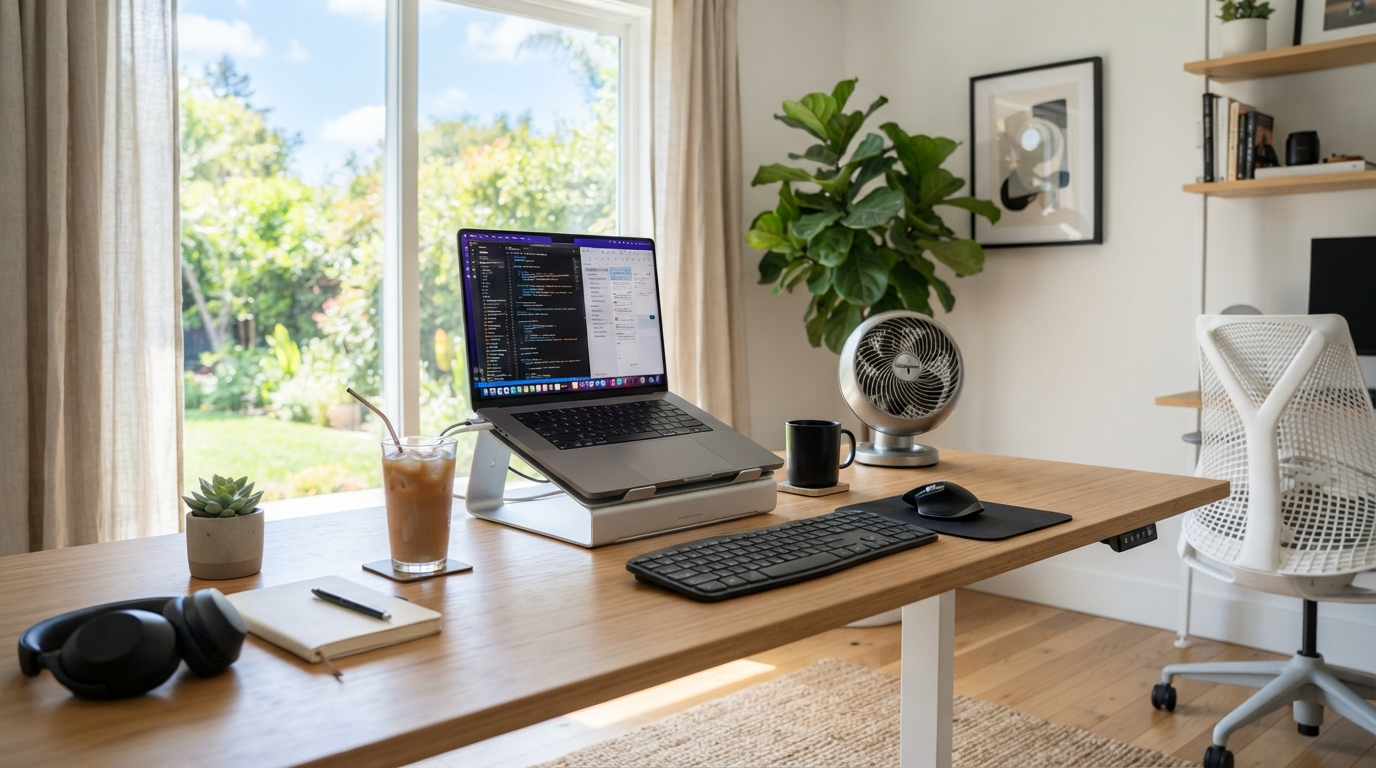
A cooling pad helps a laptop run cooler in a warm room — which matters because a hot laptop throttles (deliberately slows itself to protect its chips) and gets uncomfortable on your lap. It won’t cool you or the room; it keeps the machine happier. Two honest points decide whether it’s worth it: how your laptop takes in air — pads help most with laptops that pull cool air from underneath, and much less with ones that vent from the sides or back — and the fact that a dust-clogged laptop often gains more from a proper internal clean than from any pad. The simplest win is usually a pad (or even a passive stand) that lifts the laptop for airflow.
In a hot home office, laptops suffer before you do — fans roar, performance drops, and the underside gets too hot to sit on your legs. Here’s what a cooling pad does, and when it’s worth buying.
Why laptops struggle in the heat
A laptop is a lot of computing crammed into a thin case with small fans. When the room is warm, the air it uses to cool itself is already warm, so it can’t shed heat as easily. To protect itself, it throttles — reducing performance so it doesn’t overheat — which is why a laptop feels sluggish and loud on a hot day. A cooling pad’s job is to feed it cooler air and get more of it moving, so it throttles less and stays comfortable to use.
The one thing that decides if a pad helps: airflow direction
Active vs passive
Active (fan) cooling pads
A tray with one or more fans, powered over USB, that blows air up at the laptop’s underside and raises it for airflow.
Good for: laptops with underside intake vents; gaming or heavy-workload machines that throttle; keeping the base cool on your lap.
Less good for: solid-base laptops that don’t intake from below (little benefit); and the pad’s own fans add noise — a real consideration on video calls, and they draw USB power. Cheap pads can be buzzy.
Passive stands and risers
No fans — just a stand (often aluminium) that lifts and angles the laptop so air circulates freely around it and it isn’t sitting on a heat-trapping surface.
Good for: any laptop, including solid-base ones; silent operation (no fans to add noise); better typing ergonomics; aluminium also helps draw heat away.
Less good for: pushing air into underside vents (it doesn’t) — so a heavily-throttling gaming laptop with bottom intakes gains less than it would from an active pad.
What to check before buying
- Your laptop’s intake — underside vents favour an active pad; a solid base favours a passive stand.
- Fan noise — you’ll hear it all day and on calls. Larger, slower fans move air more quietly than small fast ones. Our work-from-home cooling guide covers keeping a desk quiet on video.
- Size and fit — the pad should suit your laptop’s footprint so it’s stable and the fans line up with the vents.
- Adjustable height/angle — better ergonomics and lets you match the airflow to your laptop.
- Power draw and ports — it uses a USB port; a pass-through port avoids losing one.
Do the free things first
- Clean the vents. A season of dust in the fans and grilles chokes airflow more than any pad can compensate for. Clearing it (carefully, per your maker’s guidance) often does more than a new gadget.
- Use it on a hard surface, not a bed or sofa. Soft surfaces block underside vents and are a big cause of overheating.
- Cool the room and yourself too. A pad keeps the laptop happy, but you still want airflow on you — a desk or neck fan — and the wider room measures in our no-AC cooling guide.
Frequently asked questions
Do laptop cooling pads actually work?
For laptops that intake air from underneath, yes — they feed cooler air in and reduce throttling. For solid-base laptops that vent from the sides, an active pad does little, but raising the laptop for airflow still helps.
Will a cooling pad cool my room or me?
No — it cools the laptop. For yourself, use a desk or neck fan; for the room, see our no-AC cooling guide.
Active fan pad or passive stand?
Active for a throttling laptop with underside vents; passive (and silent) for a solid-base laptop or if you mainly want airflow around it and better ergonomics.
My laptop still overheats with a pad — why?
Often dust clogging the internal fans and vents, or using it on a soft surface. Clean the vents and use it on something hard; both can do more than the pad itself.
Sources
- Energy Saving Trust — Home appliances and energy use
- NHS — Heat exhaustion and heatstroke (staying comfortable in the heat)
Related reading: our work-from-home cooling guide and fan types guide.
An active pad for underside-intake laptops, a passive stand for the rest. Compare current options at Amazon UK.